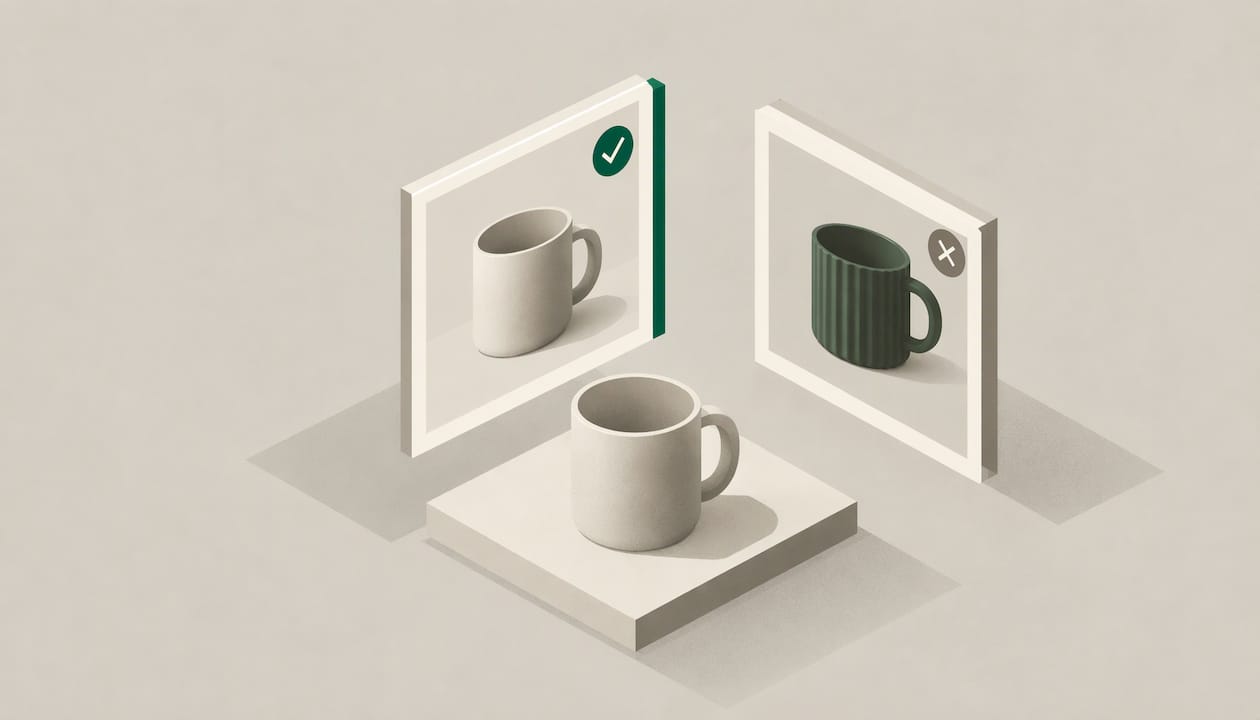
You can use a stock photo on eBay only in a narrow case: the item is brand new, and you have the right to use the image. For anything used, damaged or defective, eBay's Picture policy bans stock photos outright, and your own photos of the actual item are the only safe option. Even for new items, a manufacturer's picture belongs to someone else, so permission matters. The photo is also only half of a good listing: the price has to be right, and we built PricexPoint to show you what an item really sold for, with links to the sales behind each figure.
TL;DR
- Stock photos are banned on eBay for used, damaged or defective items. Photograph the real item.
- For new items, a stock photo is acceptable only if you have permission from whoever owns the image. Without it, the owner can have your listing removed through VeRO.
- Copying images from websites or search results is off limits, and so are edited versions of stock photos.
- eBay recommends photos of about 1600×1600 pixels, a plain background, several angles and close-ups of flaws.
- Once the photos are right, price from sold listings, not hopeful asking prices.
Table of Contents
- What eBay's rules say about stock photos
- When a stock photo is allowed: new items
- Why used items need your own photos
- What happens if you use a stock photo without permission
- What to do instead: photograph the actual item
- Photos get the click, price closes the sale
- Price your next lot with real sold data
- Our view: the photo and the price should come from the same evidence
- FAQ
- Sources
What eBay's rules say about stock photos
A stock photo is a generic or manufacturer-supplied image of a product, not a picture of the exact unit you are selling. eBay treats this in three policies, and they point the same way.
The Picture policy requires at least one photo of 500 pixels on the longest side. It bans photos that don't accurately represent the item, placeholder images, added borders, added text, artwork or marketing material, and watermarks of any type. It also bans stock photos for used, damaged or defective items.
The Selling practices policy adds the condition side: you must state the item's condition and describe defects, and when you sell a used, refurbished or flawed item, you must include photos of the actual item instead of a stock photo.
The Images, videos and text policy covers ownership. It tells sellers to take their own images and write their own descriptions. Content has to be truthful, accurate and not infringe anyone's rights.
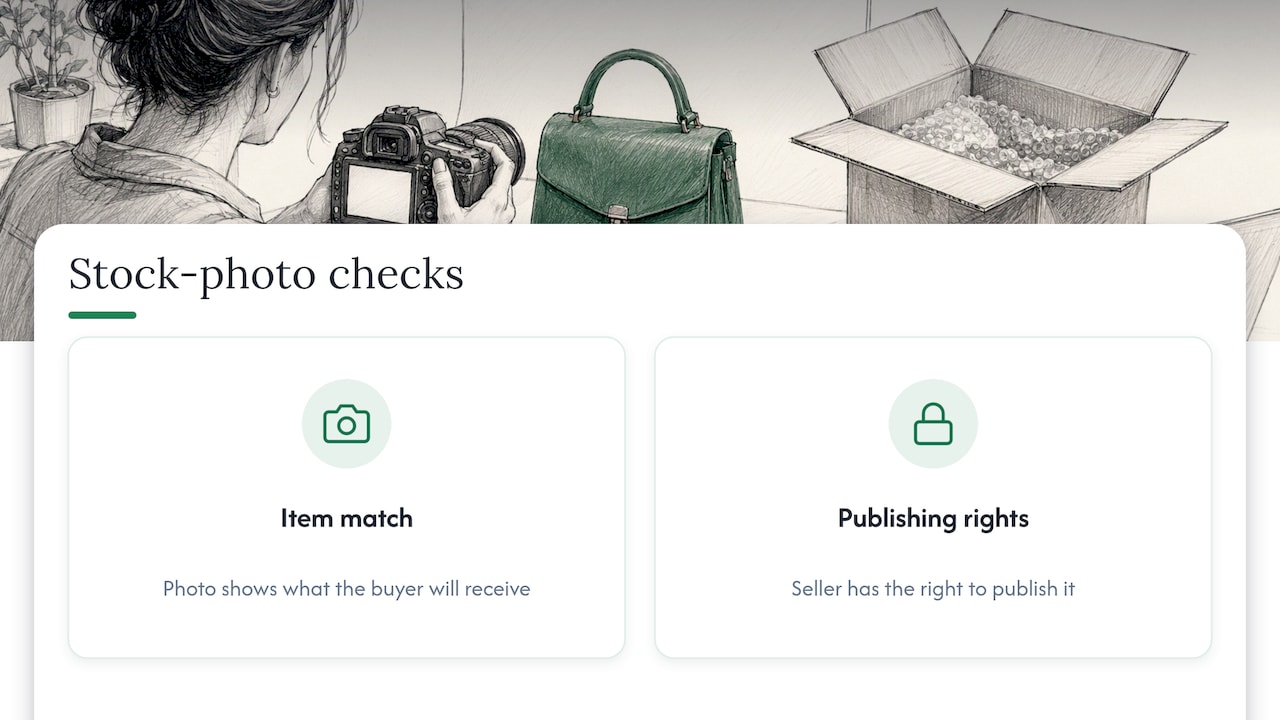
In plain terms, there are two separate tests. First, does the photo show what the buyer will receive? Second, do you have the right to publish it? A stock photo can fail either one.
When a stock photo is allowed: new items
The one real opening is new inventory: sealed, unused goods that match the manufacturer's product exactly. Even there, you need the rights. The Images policy says third-party photos require explicit written permission from the rights owner, or the item may be removed through VeRO. VeRO is eBay's Verified Rights Owner program, which lets copyright and trademark owners report listings that use their material.
That means the photo on the manufacturer's website is not free to take just because the product is yours to sell. Typical routes to a legitimate stock photo:
- The eBay catalog. eBay's Seller Center guidance on intellectual property lists using the eBay catalog for photos among its do's.
- Written permission from the manufacturer or distributor. Get it in writing, and make sure it covers eBay and new goods.
- Your own photo of the sealed box. This avoids the question entirely, and it shows the buyer the exact pack.
The same Seller Center page lists the don'ts: don't use stock photos without permission, don't use modified or edited stock photos, and don't copy images from websites or internet searches. Cropping, flipping or retouching a manufacturer's shot does not turn it into yours.
Vehicles have their own wording
Vehicle listings are spelled out separately. Under the Images policy, pre-owned vehicles must show the actual vehicle, while new vehicles may use stock images only with supplier permission and a disclosure that the photos are not of the actual vehicle offered. If you list on eBay Motors, read that page before you upload anything.
Match the photo to the exact variant
Even with permission, the picture must show the same model, colour, size and pack quantity the buyer will get. A stock image of a bundle when you are selling the console alone is a classic mismatch. This is a practical risk as well as a policy one: a photo that doesn't match the item gives the buyer an easy item-not-as-described claim.
Why used items need your own photos
A stock photo shows a pristine object. If the real item has a scratch, a scuff or a missing cable, the buyer sees something different from the listing, and the photo becomes the evidence in the dispute. That is the practical logic behind the ban, and eBay's own help page on adding pictures says you can't use a catalog or stock photo when you list an item as used.
One trap catches many sellers. When you create a listing by matching eBay's catalog, a stock photo can be attached by default. If your item is used, turn that photo off and lead with your own pictures. Check the first image slot before you publish.
Your own photos also do commercial work. Condition is what separates a $40 listing from a $70 one, and buyers pay for what they can see. If you aren't sure how to describe wear, our item condition grades guide explains the usual categories, and our guide to selling used items for more covers how presentation moves the final price.
What happens if you use a stock photo without permission
The consequences run through VeRO. According to eBay's Seller Center, if a listing is reported and found to violate someone's rights, it is removed. You get a notice explaining why and how to revise it. Your options include appealing with evidence of permission, contacting VeRO support at vero@ebay.com with your authorization documents, or asking the rights owner for a retraction.
Repeated violations can put your account at risk, so it pays to treat a first takedown as a signal to change your photo habits. The fix is usually simple: replace the image with your own photos and write your own description.
A related question comes up often: is it illegal to use stock photos without paying? Using a copyrighted image without a license can be infringement, and eBay's own policy lists unpermitted stock photos as an example. Free stock sites have their own licenses, and those licenses don't automatically cover a product shot of something you are selling, because a photo of a different item doesn't represent yours. For eBay the answer is simpler: use your own picture.
The same logic applies if you also run a storefront outside eBay. Good product images work best alongside clean structured data, and a rundown of ecommerce schema markup types shows which fields to add first for merchant listings.

What to do instead: photograph the actual item
eBay's help page on adding pictures gives concrete targets. Although that page is eBay's UK version, the guidance matches the US picture policy on minimum size and stock photos:
| Spec | eBay's guidance |
|---|---|
| Photos per listing | Up to 24 |
| Recommended size | About 1600×1600 pixels |
| Minimum size | 500×500 pixels |
| Maximum file size | 12 MB |
| Aspect ratio | 1:1 or 16:9 |
| Background | Neutral and uncluttered |
| Extras | Several angles, close-ups of flaws, a scale reference |
A simple shot list that works for most used goods:
- Front, in full. Lead image, centered, no props.
- Back and sides. Buyers check for damage and ports.
- Label or serial area. Proves the model and helps buyers compare.
- Every flaw, up close. A photo of the scratch beats a paragraph about it.
- Everything included. Cables, box, manuals, accessories, laid out together.
- A scale reference. A coin or ruler next to small items such as jewelry, cards or collectibles.
Don't add borders, text overlays or watermarks. The Picture policy bans all three, even on your own photos.
A note on AI-generated images
The User Agreement makes sellers fully responsible for the accuracy of their listings, including content made with generative AI tools. Masonry's analysis of eBay's AI photo rules notes that the images policy has no AI-specific ban, but a generated picture that doesn't match your item breaks the accuracy rule like any other. For used goods, a render is no substitute for a photo of the real thing.
Photos get the click, price closes the sale
Once your photos are right, the next question is what to charge. Sellers who lean on stock photos are often the same ones guessing at prices from active listings, and active asking prices are the least reliable signal on any marketplace. What an item sold for is the evidence that matters.
That is the workflow we designed PricexPoint around. Snap a photo of the item, or type its name, and the app identifies it and researches sold, asking and new listings across multiple marketplaces. It filters out unreliable listings and links each figure to the sales it comes from, so you can check the evidence yourself. If the app has the item wrong, you can verify and correct the identification, which matters for variants where a small detail changes the value.
The photo you take for your listing can double as your research photo. Our guide to pricing an item from a photo walks through it, and the piece on identifying an item from a photo covers what to do with the unusual finds. If you're choosing a category to sell in, what used items sell for shows real sold prices.
For sellers working through a stack of inventory, the app supports bulk pricing with a CSV or multi-item photos, and it saves your scan history with export options. That turns a weekend of photographing into a priced inventory list. Different goods carry different risks too: if you sell gear, see our notes on used camera pricing or where to sell used electronics, and for fast turnover read how to price to sell fast.
Buyers use the same data from the other side: a sold-price history shows whether a second-hand listing is fair before you pay.
Price your next lot with real sold data
PricexPoint has a free tier, and for heavier use there are subscriptions: Basic at $4.99 per month, Pro at $9.99 per month and Power at $24.99 per month. If you'd rather not subscribe, one-off token packs cover extra lookups: 100 tokens for $5.99, 300 tokens for $12.99 and 1000 tokens for $34.99. Full details are on the pricing page.
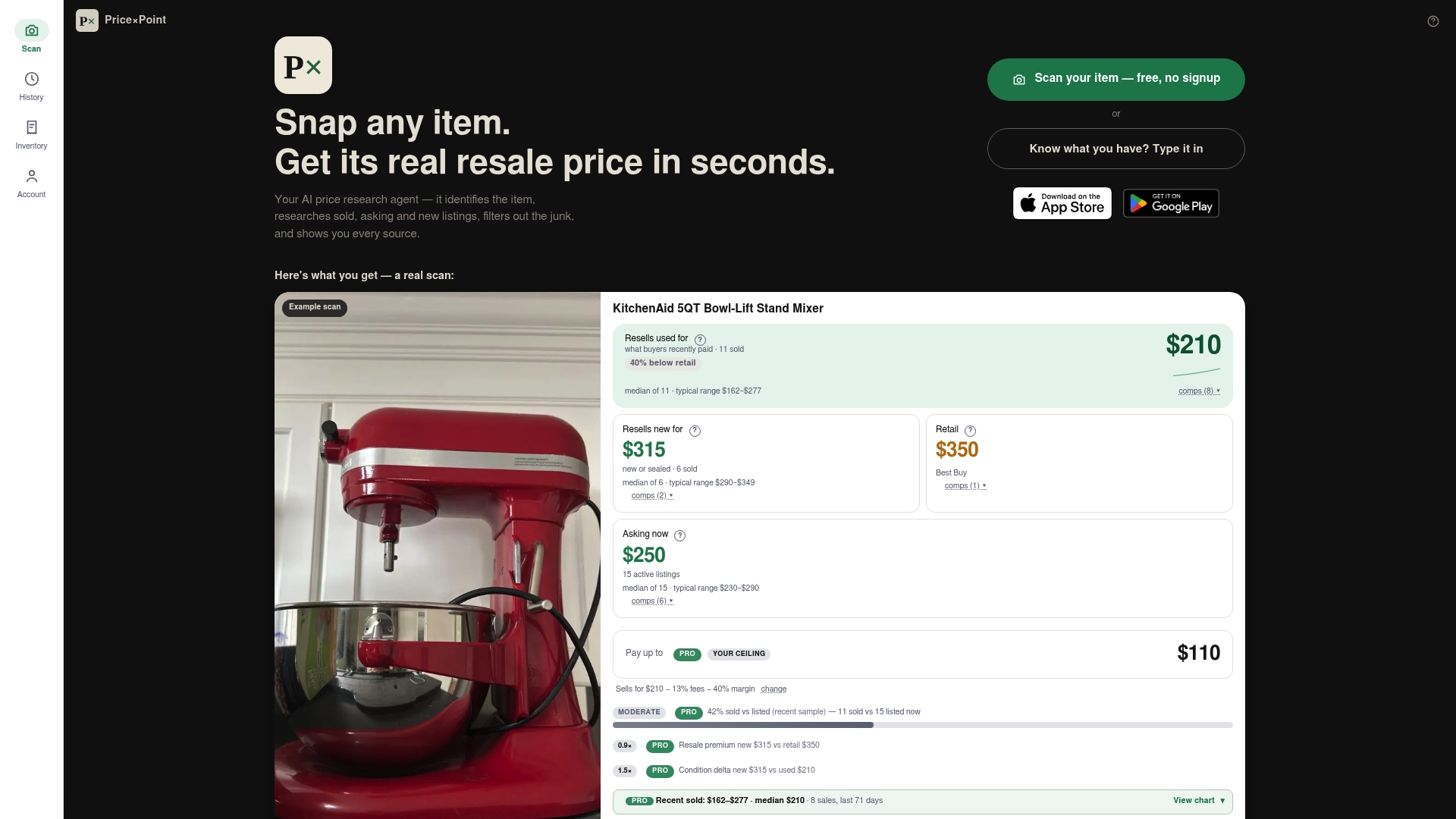
Take your photos first, since eBay wants them anyway, then run each item through the app before you set the price.
Our view: the photo and the price should come from the same evidence
Every listing makes two claims: this is what you are getting, and this is what it is worth. A stock photo weakens the first claim, because it shows an object that isn't the one in the box. A guessed price weakens the second.
We built PricexPoint on the idea that both claims should rest on evidence. Our price estimates link to actual sold listings from several marketplaces, we name every data source, and we don't give a figure without the evidence behind it. We also let you verify and correct the item identification, because a wrong match gives a wrong price.
A seller who shoots their own photos and prices from sold data has a listing that holds up when a buyer examines it. That is the standard we want resellers, collectors and small businesses to hold themselves to.
PricexPoint
FAQ
Can you use stock photos to sell on eBay?
Only for new items, and only when you have permission to use the image. eBay bans stock photos for used, damaged or defective items. For anything you have in hand, your own photos are safest and also help the item sell.
Do I need permission to use a manufacturer's photo?
Yes. eBay's Images policy requires explicit written permission from the rights owner for third-party photos. Without it, the owner can report the listing through VeRO and have it removed. Using the eBay catalog photo, where available, is one of the routes eBay's Seller Center lists as acceptable.
What if the eBay catalog adds a stock photo to my used item?
Remove it and lead with your own photos. Catalog matches can include a stock photo by default, and the Picture policy bans stock photos on used items, so check the first image slot before you publish.
How many photos can I add, and what size should they be?
Up to 24 per listing. eBay recommends about 1600×1600 pixels, with a minimum of 500 pixels on the longest side. Skip watermarks, borders and text overlays, which the Picture policy prohibits.
Sources
- Picture policy | eBay
- Selling practices policy | eBay
- Images, videos and text policy | eBay
- Intellectual property | Seller Center
- Adding pictures to your listings | eBay
- eBay AI Product Photo Rules for Sellers (2026) | Masonry